Block the websites you do not want
Parents can block specific websites directly and build a custom blocklist for family-specific concerns.
Block harmful websites and guide safer browsing with simple parent controls.
Web filtering helps parents reduce exposure to harmful websites and create a safer online experience for children. With simple controls, families can block unsafe content and guide healthier browsing habits with more confidence.
Block unsafe websites quickly
Create your own allow and block rules
Filter harmful content by category
Make browsing rules clearer for the whole family
Parents can block specific websites directly and build a custom blocklist for family-specific concerns.
Category-based filtering helps block adult content, gambling, drugs, violence, and other unsafe areas of the web.
Web filtering is not just about blocking. It also helps parents guide healthier choices and safer browsing routines over time.
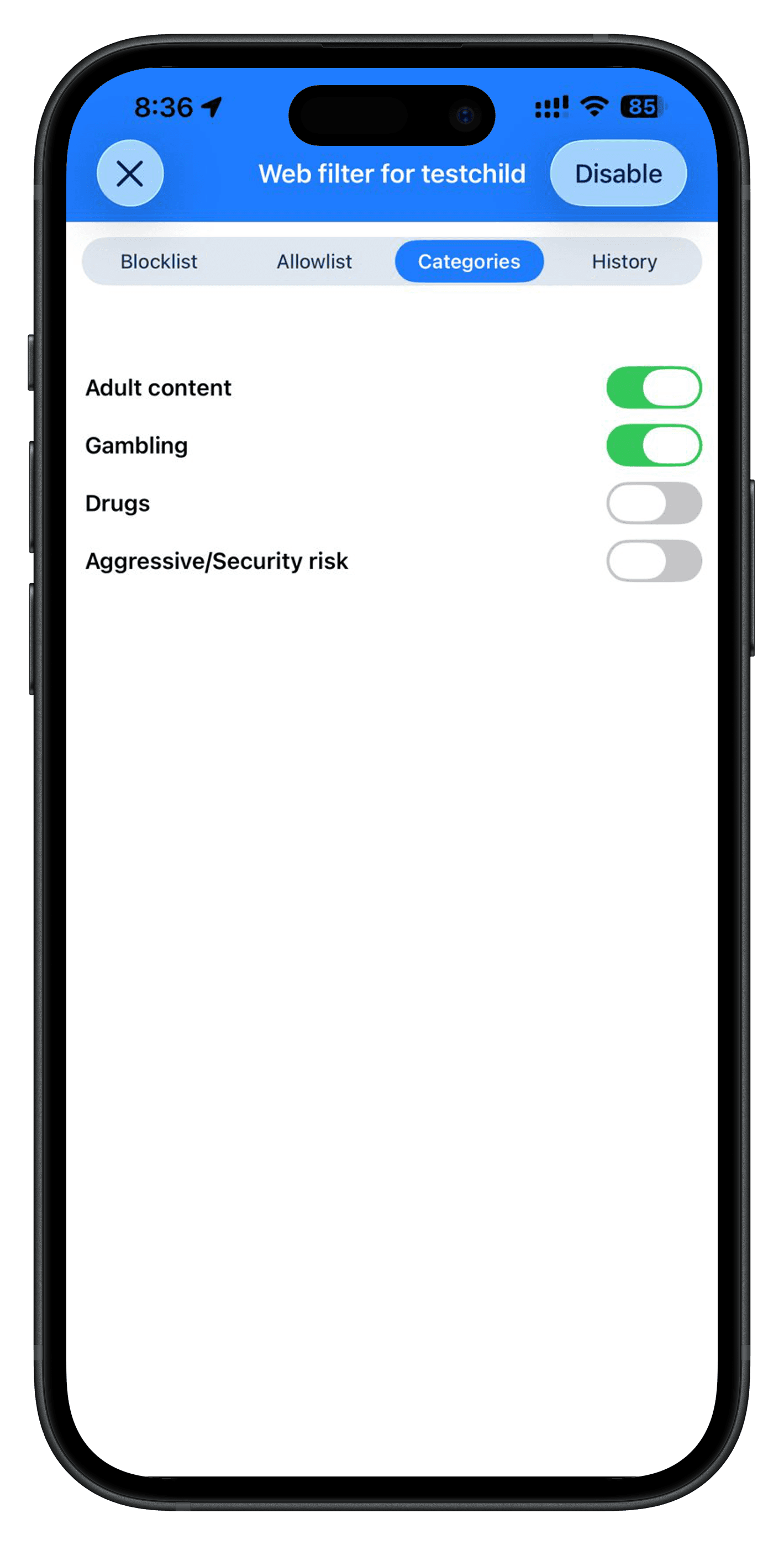
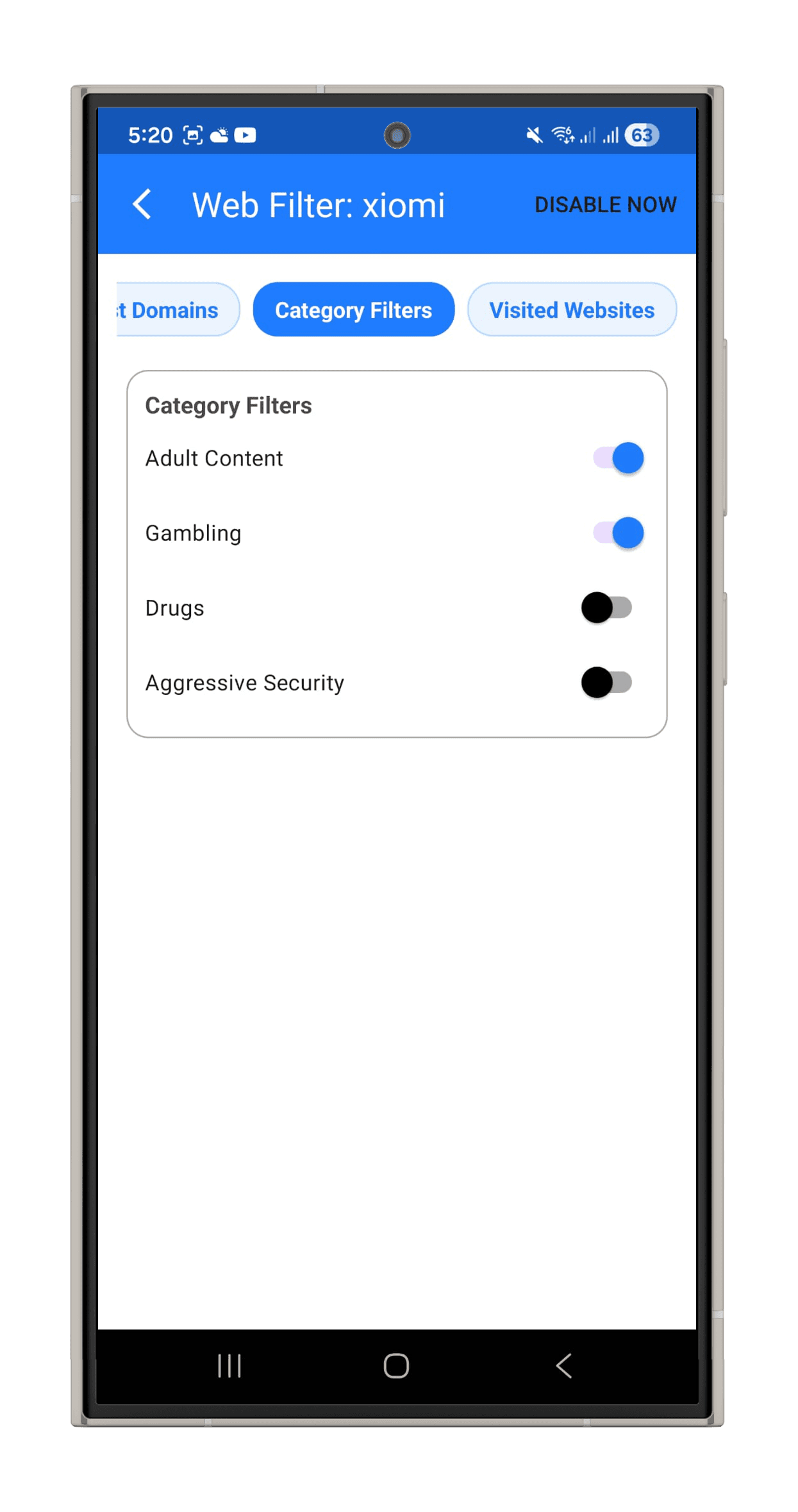
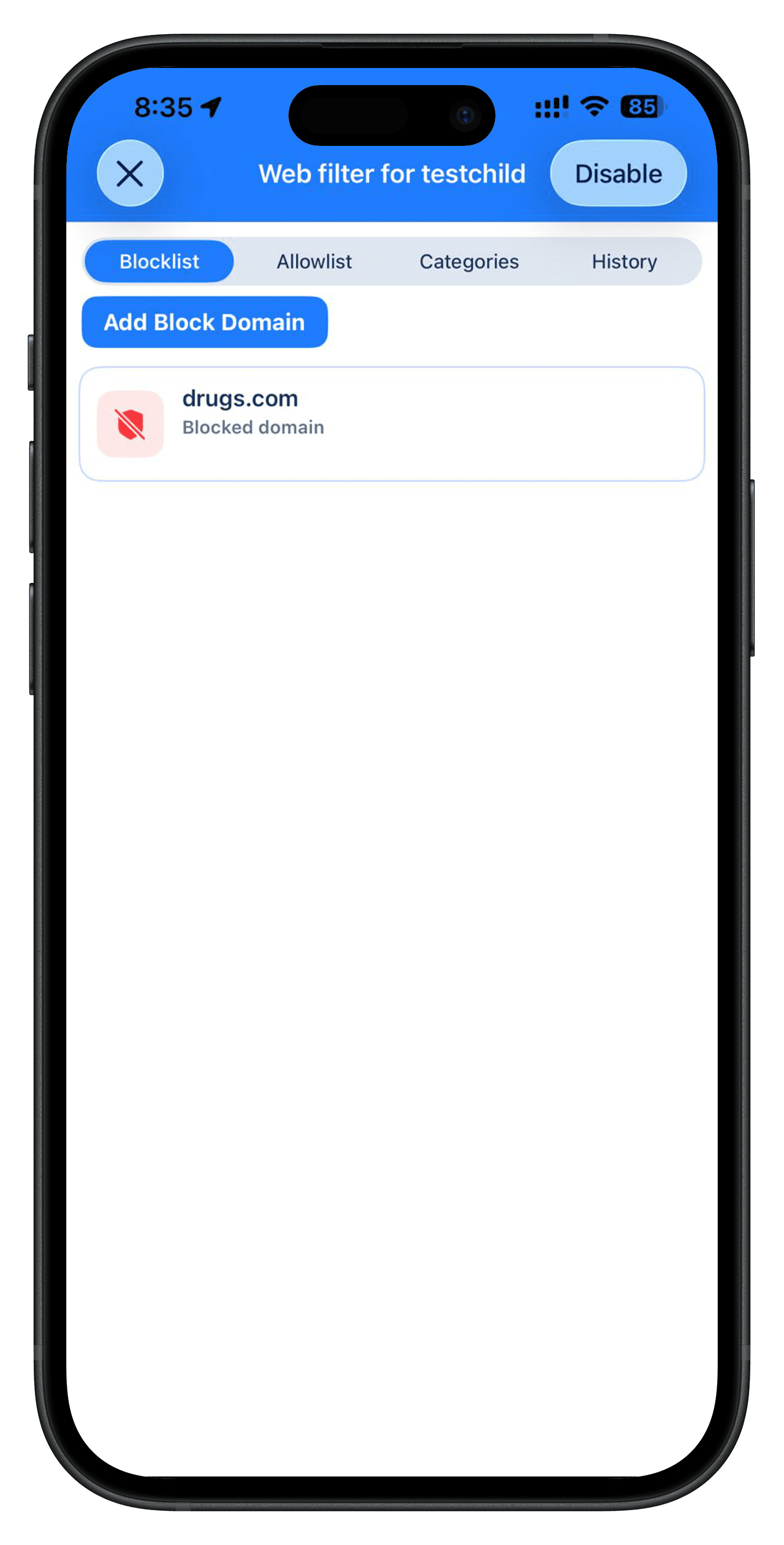
Web filtering depends on supported permissions and devices. On supported child devices, a local VPN service is used to apply web safety rules when enabled by the connected parent.
Only the connected parent can view child data. Parents can delete child data at any time, child data is encrypted in transit, and removing the child from the connection deletes child data automatically.
Feature control: When web protection is enabled by the parent, Child Parento applies website rules and collects the web and YouTube history needed for this feature. When web protection is turned off, new web and YouTube history stops being collected. If the parent does not delete it sooner, web and YouTube history is retained for up to 3 days.